
The Infinity Creator
The development application for runtime procedural generation
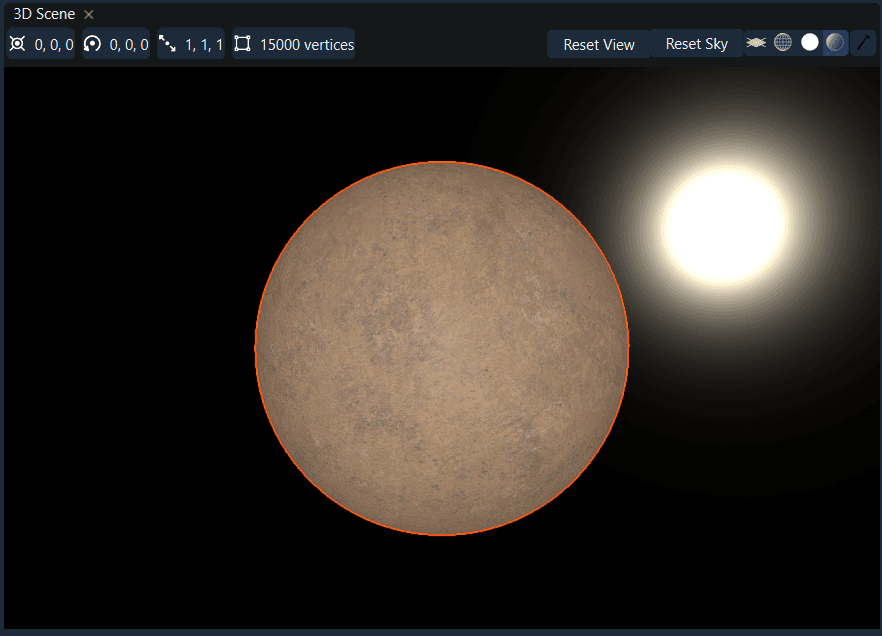
3D Scene Viewer
The 3D Scene Viewer is built to enable a wide variety of display for procedural content, such as:
- 3D Models and Meshes
- Terrain
- Materials and Textures
- Skyboxes
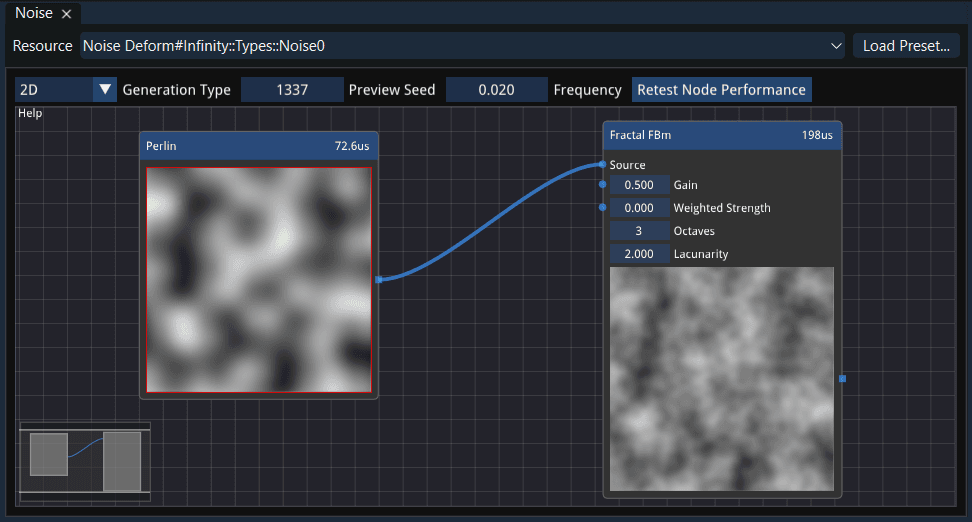
Noise View
The modular design lets you easily customize and layer different noise patterns to create terrain, textures, and other procedural content with precision.
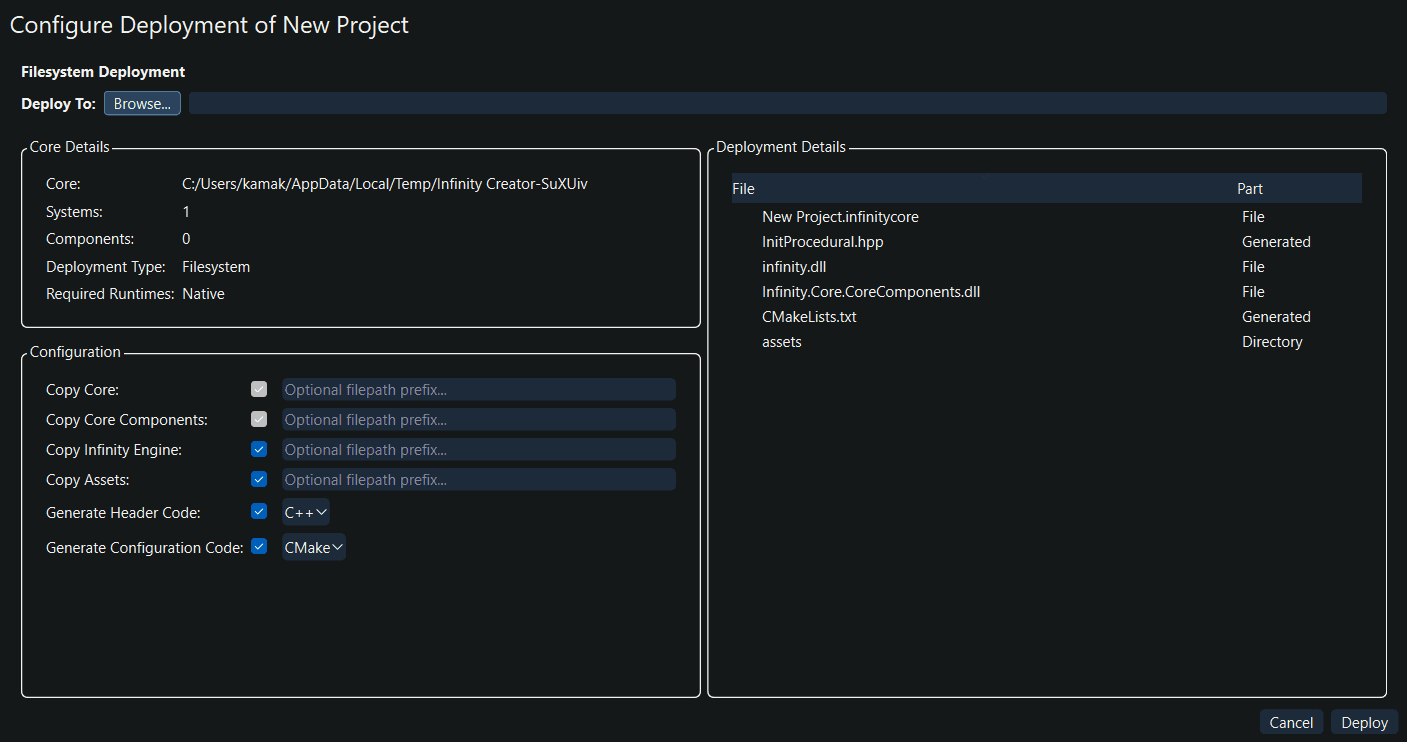
Deployment
The deployment system ensures your procedural systems are organized and ready for seamless integration into your development environment.
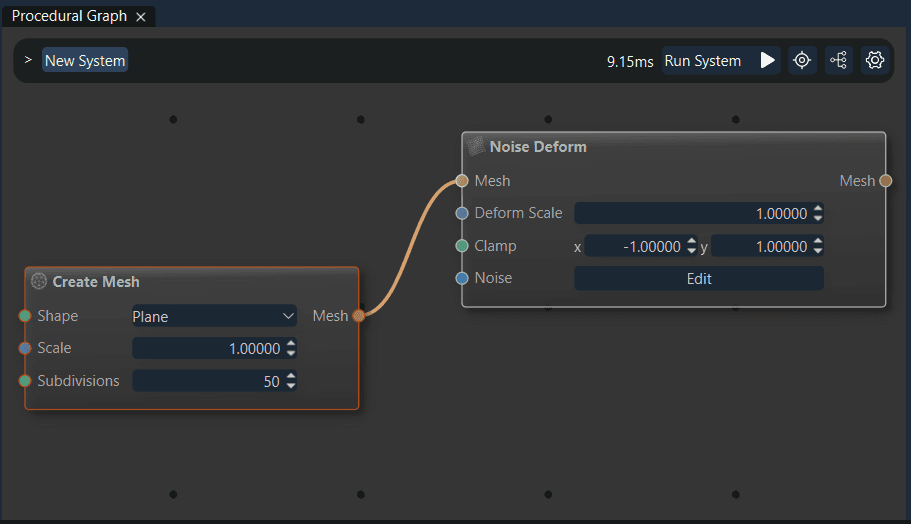
Node Graph Editor
Test your systems with the Run button to see execution time, auto-organize your graph with one click, and control randomization seeds directly from the interface. Designed to give both developers and artists powerful control while staying fluid and approachable.
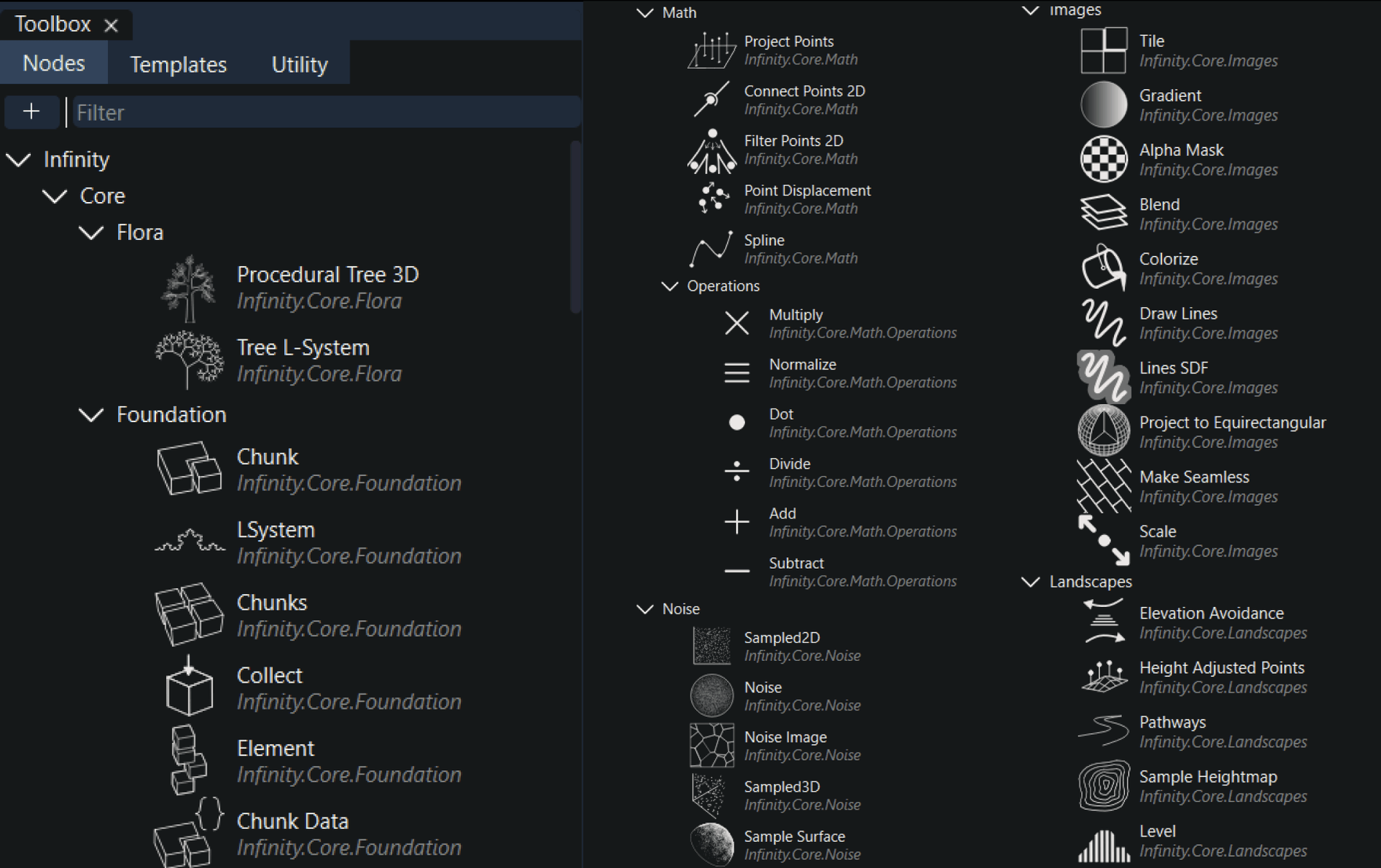
Toolbox
This streamlined system accelerates workflow assembly and makes building complex procedural systems fast and intuitive.
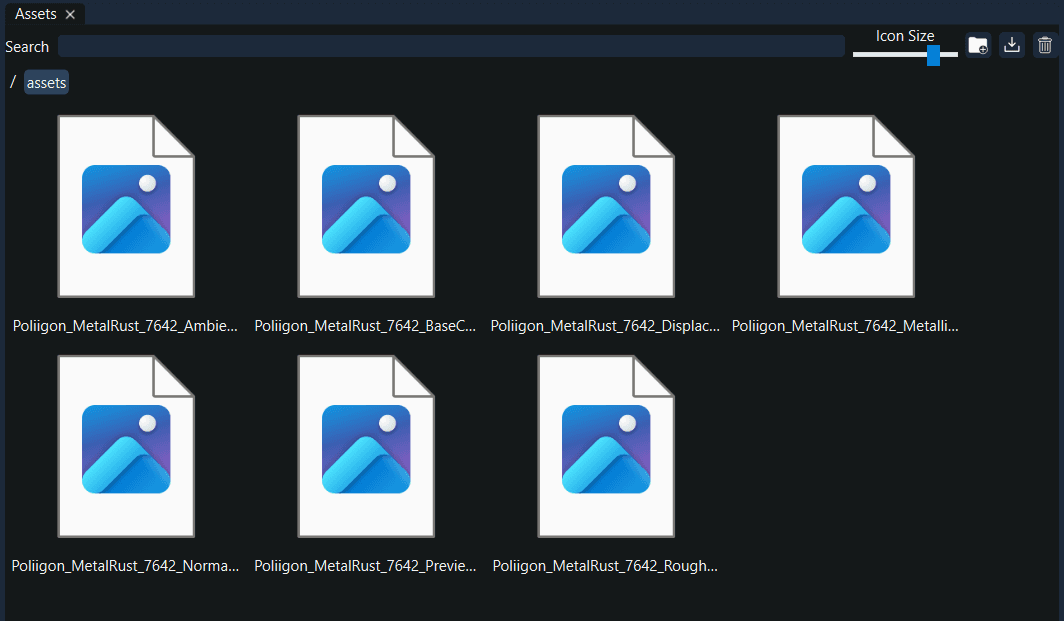
Assets
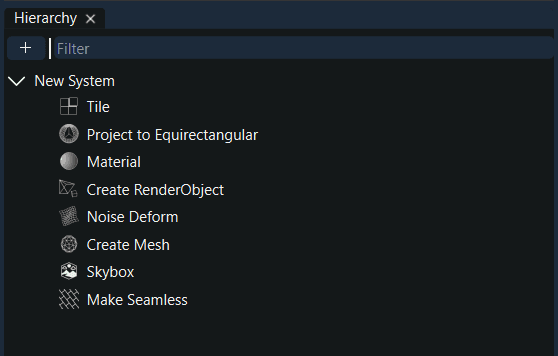
Hierarchy
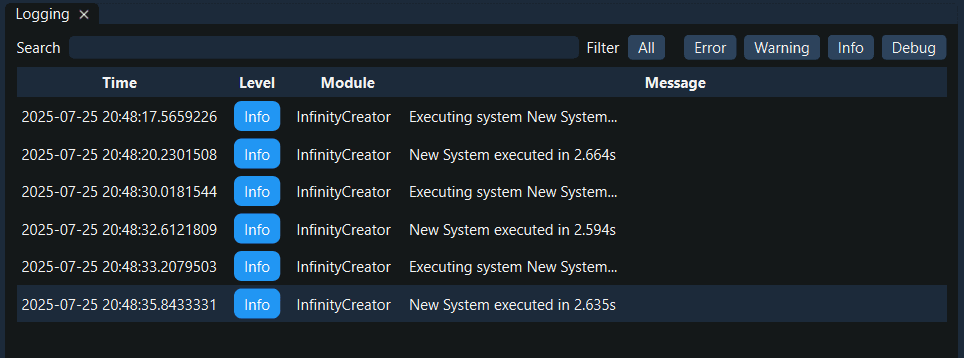
Logs
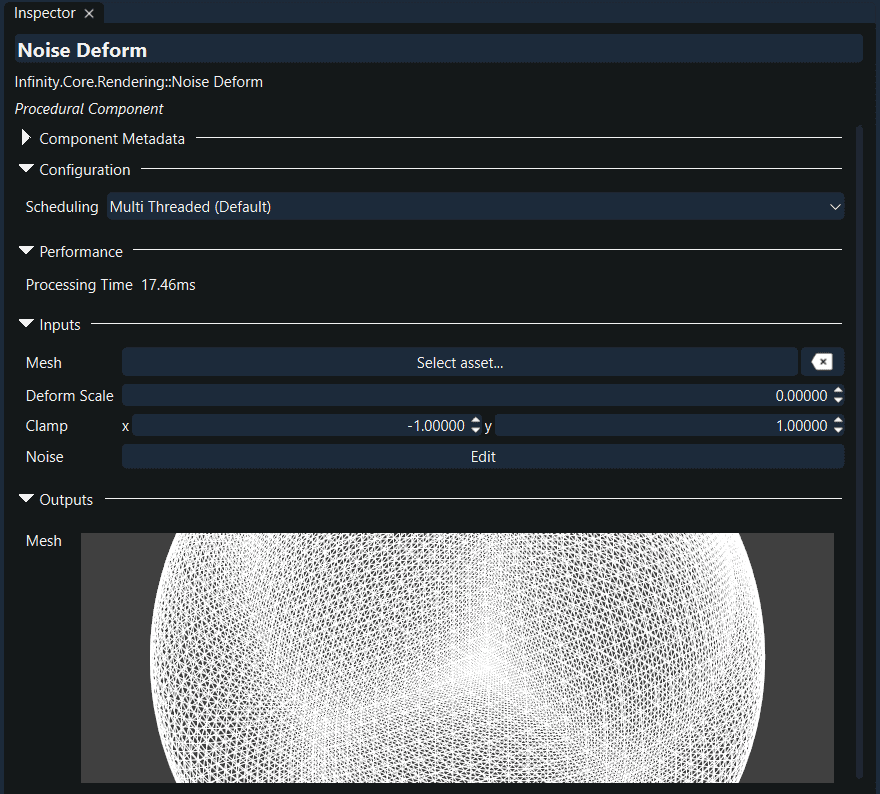
Inspector
Custom Workspaces
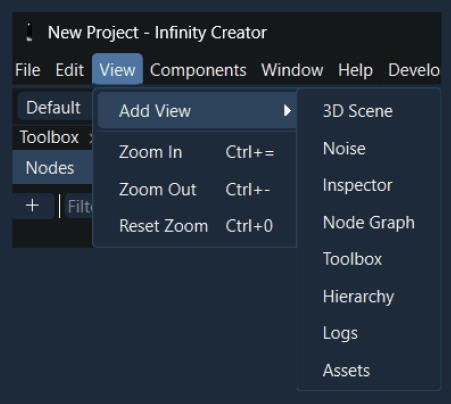
And more...
Procedural Worlds
Generate landscapes, worlds, and universes during gameplay easily, and with scalability.
Node-graph Workflow
Infinity's workflow can be used without code through the node graph system, simply drag and drop to create.
Cross-Engine Assets
Use all popular asset types with the procedural engine. With dedicated APIs, load assets from a game engine's asset database or the file system.
Asset Generation
Save or export the results of procedural systems to use as assets when not building for runtime or load-time. Infinity enables blazing fast iteration on unique assets and intuitive ways of manipulating generation to the finest detail.
Cross-Platform
Infinity is architected and built to run on all modern operating systems. This now includes Windows; macOS and Linux coming soon.
Data Interoperability
Infinity supports an entire ecosystem of zero-overhead data movement, made possible by the Infinity Engine. The engine allows all procedural applications to easily and quickly transfer data, even across language runtimes.
Language Bindings
Language bindings are available for a number of popular languages. The engine is launching with C# bindings out-of-the-box, with Python to follow soon.
Core Components
Get started immediately with a host of Core Components, which are carefully designed to be building blocks for scalable procedural systems. Each component is optimized and set up for maximum re-usability.
Plug-ins
Infinity is developer and creator-friendly. The platform is designed and architected to make creating and using new components easy. Create your own or use ones provided by the community.
Editor Theming
Customize the Infinity Creator. In-addition to the built-in Light and Dark themes, you can create and use any custom editor themes in the Infinity Creator.
Data Synthesis
Procedural generation is a fundamental part of synthetic data generation for machine learning and other applications. Infinity is built to handle all kinds of data generation, and can efficiently handle massive arrays and datasets with no overhead.